
What it does
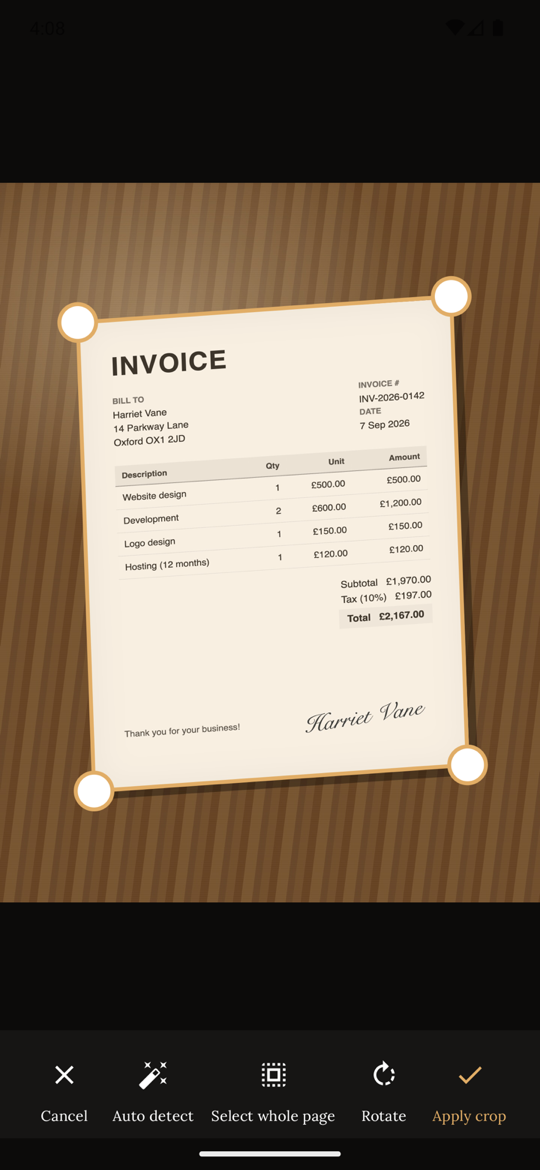
Edges are detected live and the shutter fires once the page is steady. Perspective is flattened so a shot taken at an angle comes out square. Prefer to press the button yourself? Switch to manual.
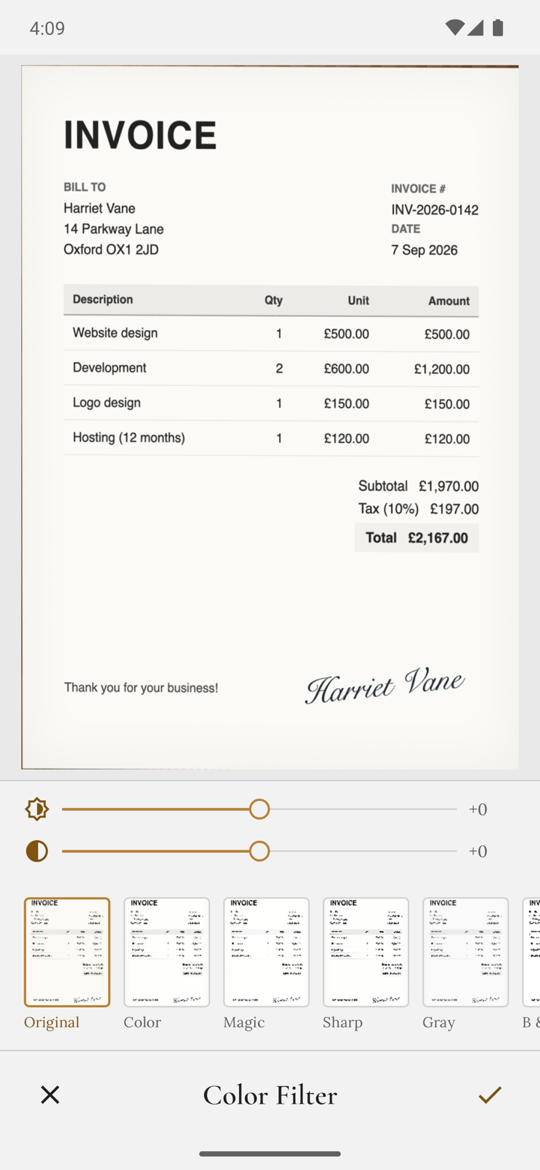
Seven filters — Original, Color, Magic, Sharp, Gray, Black & White and Lighten — with brightness and contrast sliders. Edits are non-destructive: the original capture is kept.
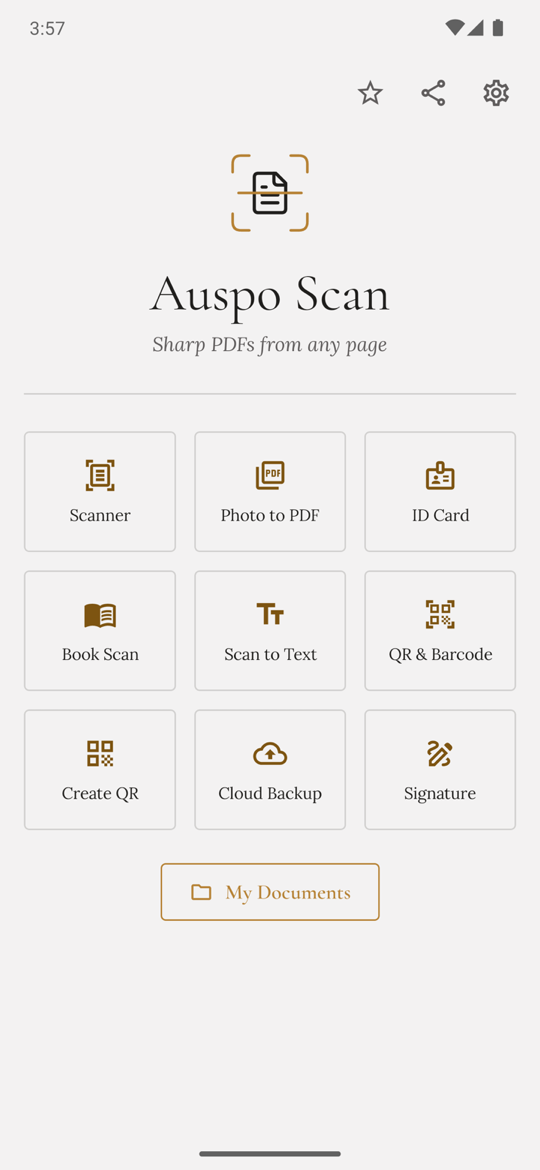
Capture the front and back of a card or a passport spread and both land on one printable A4 sheet. Book mode splits a two-page spread down the gutter.
Pull the words off a page and copy, share or save them as text. Read QR codes and barcodes from the camera or a saved image, or generate your own. Recognition runs on the phone via Google ML Kit; your documents are not uploaded for it.
Draw a signature with your finger, or photograph one written on paper and it is lifted off the page. Drag, resize, and keep your signatures to reuse on any page.
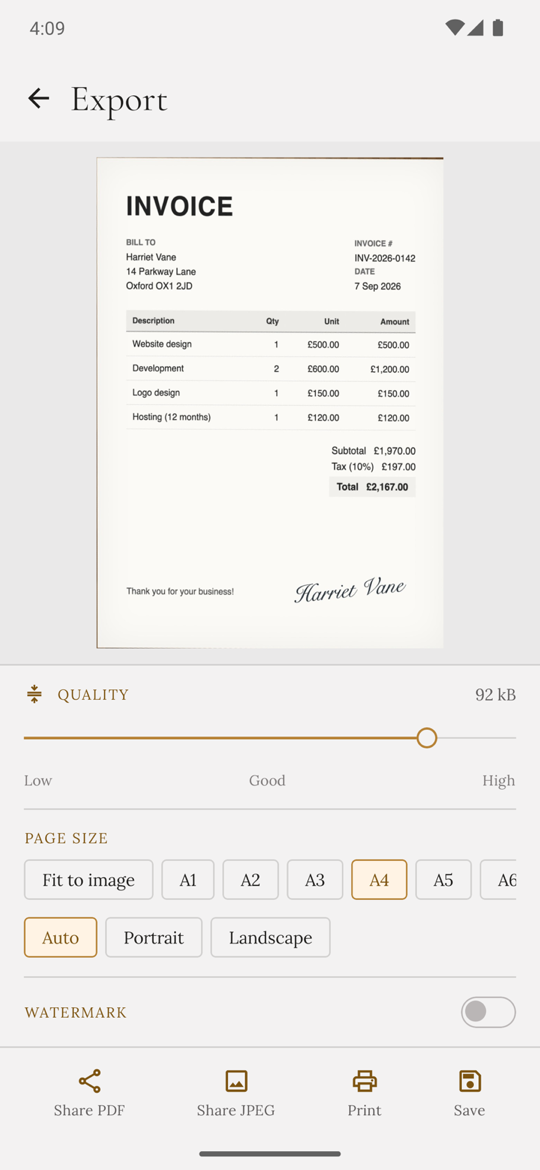
Page sizes from A1 to A6 plus Letter, Legal, Note, Postcard and Business card. A quality slider shows the actual file size as you drag. Add a tiled watermark in your own text and colour.
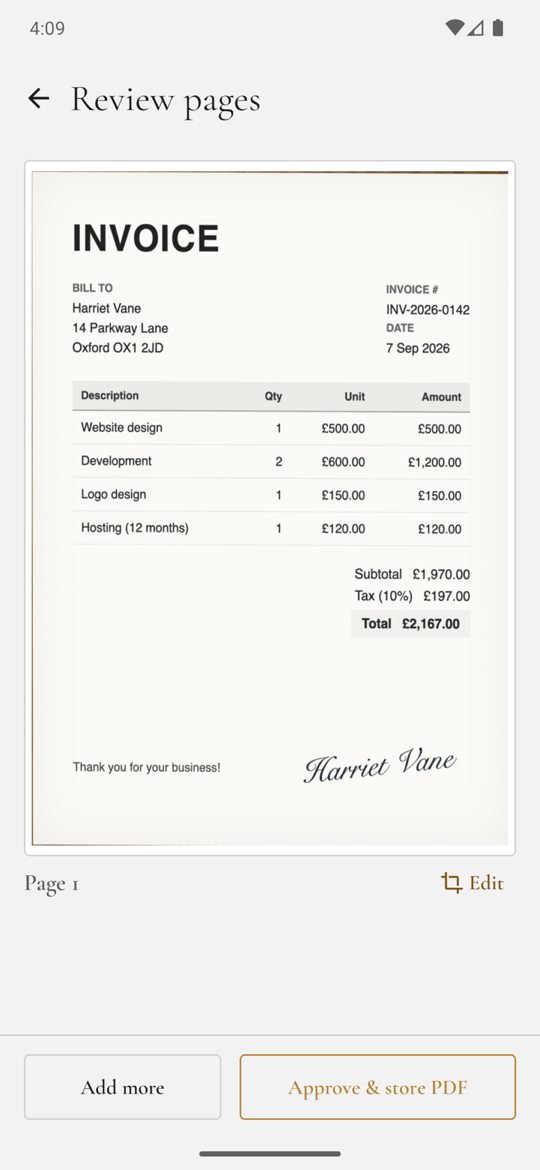
Folders, search across everything, reorder and rotate pages, collage several pages onto one sheet. Share as PDF or JPEG, or print to any printer your phone can see.
Scans live in the app’s own private storage, not your camera roll, and are never uploaded by us. Back up to a folder you choose — on the device, an SD card, or a cloud drive that appears in the Android file picker.
Once the recognition models are downloaded, capture, enhancement, text recognition and barcode reading all run without a connection. Only ads and anonymous statistics use the network.
Coming soon to Google Play
Auspo Scan will be free, supported by ads, with a one-time Remove ads purchase. Ads use Google AdMob and anonymous usage statistics use Firebase and Mixpanel; where the law requires it you are asked for consent first. Ads and analytics never see your documents — the privacy policy lists exactly what is collected.